
Top-up
For the odd extra job€2.59one-time
€2.59 per 1,000 credits
1,000 Credits
- Extra plugin installs and config changes
- Reading crash logs
- Works on all your servers
Tell Kowalski what you want in plain words. It installs and configures plugins, fixes crashes from the log, edits configs and can even code a custom plugin, directly on your server in your PenguHost dashboard. You approve every change.

Most hosts give you a support bot that tells you which folder to upload a file to. Kowalski has real tools on your server and does the work itself. Four typical jobs:
Finds the right build for your version, installs it with its dependencies and checks that it loads.
Add WorldEdit and WorldGuard, and a plugin so players can sit on stairs.
Done. All three are installed in the versions for Paper 1.21.4 and load without errors. Only admins can use WorldEdit.
Reads the log, finds the cause and fixes it, instead of asking you to paste the error somewhere.
My server crashes on start since I added the shop plugin.
Found it: the plugin needs Java 21, your server ran on Java 17. I switched the Java version in the startup settings and restarted. Everything loads now.
[09:12:03 INFO]: Loading plugins[09:12:04 ERROR]: Could not load 'plugins/ShopGUIPlus.jar'java.lang.UnsupportedClassVersionError: class file version 65.0
You say what you want, it finds the right file and the right line. No YAML hunting.
Hard mode, room for 40 players and a bigger protected spawn.
Changed three lines in server.properties. They take effect after a restart. Shall I restart now?
difficulty=easydifficulty=hardmax-players=20max-players=40spawn-protection=16spawn-protection=32
Writes the Java code, builds it in a sandbox and drops the finished jar into your plugins folder.
Write me a plugin: /daily gives every player 64 bread once a day.
DailyBread is built and in /plugins. After the restart, /daily works with a 24-hour cooldown per player.
src/main/java/…/DailyBread.javapom.xml (paper-api, provided)> mvn -q package[INFO] BUILD SUCCESS
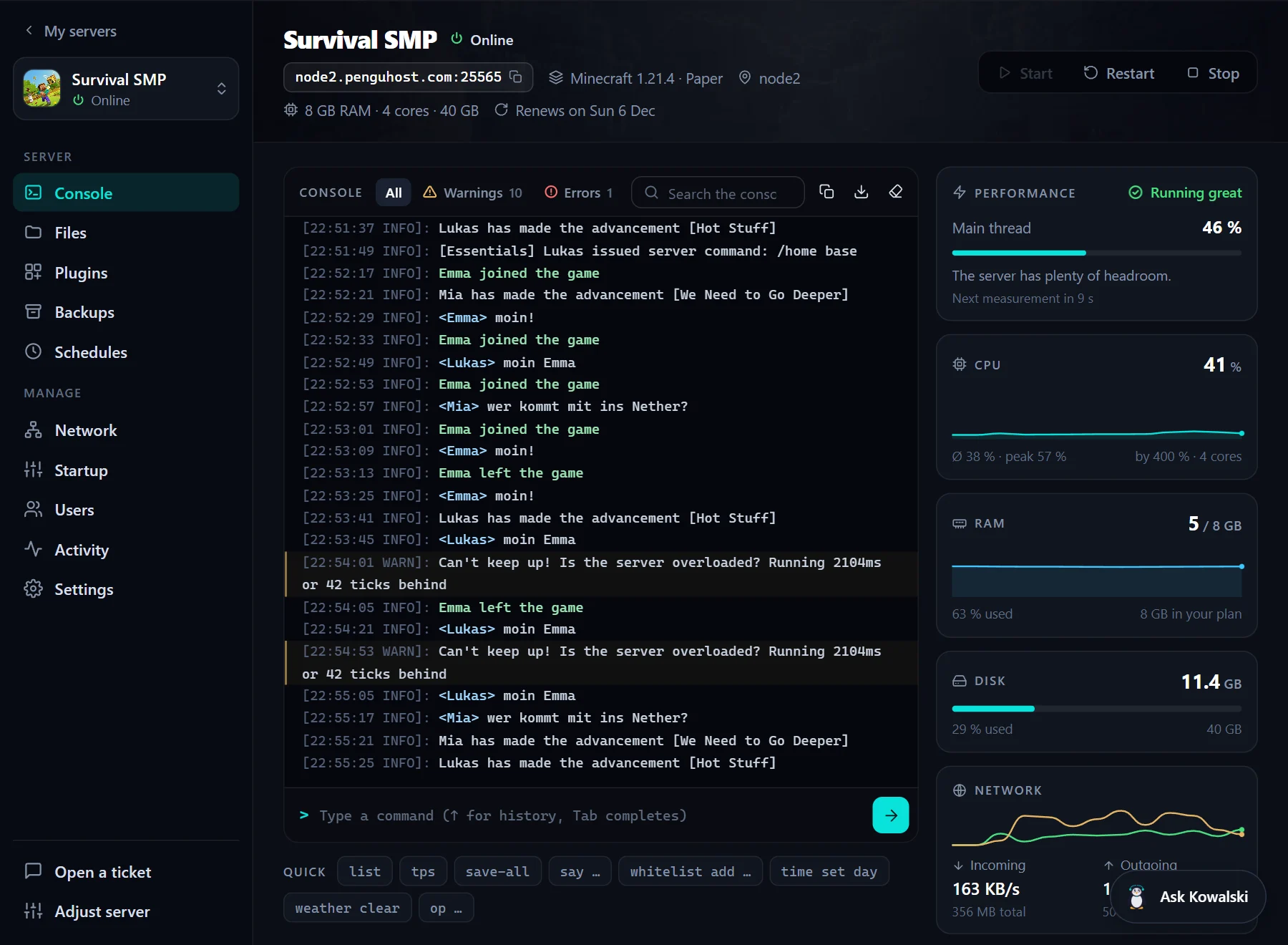
Kowalski sits in the bottom right corner of your PenguHost dashboard and knows which server you have open.
In English, German or any other language. "Install a world border", "why does my server crash?". Add a screenshot if something looks wrong.
You see the plan and every step. Changes wait for your OK, or you switch on auto mode and let it run.
An AI that can change your server has to be careful. These are limits built into the system, not promises in a prompt.
Make the protected spawn bigger, 32 blocks.
server.properties1sChange server.properties: set the spawn protection from 16 to 32 blocks.
server.propertiesDone. The spawn is now protected for 32 blocks. It takes effect after the next restart.
server.propertiesOkay, I left everything as it was. What would you like instead?
Try it. This is what every change looks like in the Kowalski chat.
You choose per job in the Kowalski chat, and set how long it thinks, from quick to very thorough.
Example: "Install EssentialsX and give every player 3 homes." A quick job, usually a handful of credits.
Ask Kowalski right here. It knows what it can do and what a job will roughly cost. Type a question or pick one:
Free every month with your server. Need more? Buy a pack once, it never expires.
€2.59 per 1,000 credits
1,000 Credits
Kowalski's pick

€2.59 per 1,000 credits
5,000 Credits

€2.59 per 1,000 credits
15,000 Credits
Kowalski on PenguHostExplains where the plugins folder is
Finds the right plugin build and installs it
Links a tutorial
Configures it the way you described
You download, upload, configure and restart yourself
Restarts and checks the log itself
Asks you to paste the log
Reads the log and fixes the cause

Minecraft from €3.07/month. No contract, servers in Germany, 400 free AI credits every month.
Read and write files, edit configs, read logs and crash reports, search and install plugins from Modrinth and SpigotMC, download files, change startup settings, send console commands, start, stop and restart, create backups and schedules, and run scripts in an isolated sandbox with Java, Maven, Python and Node.js. That is how it can build a custom plugin and drop the jar into your plugins folder.
No. By default you confirm every change before it happens; looking at files and logs needs no confirmation. If you trust it, you can switch on auto mode. Destructive actions like a full reset always ask separately.
With a server of your own you get 400 free AI credits each month. One credit is a tenth of a cent of real AI cost, and small jobs like installing a plugin usually take a few to a few dozen credits with the default model. If you need more, credit packs start at 1,000 credits, and bought credits never expire.
You choose per job: Swift (fast and cheap, the default, for plugins, logs and small changes), Engineer (for bigger setups and debugging) and Mastermind (the strongest, for hard problems and custom code), each with adjustable thinking effort.
It only works on the server you have open in your dashboard and asks before changes. Scripts run in a locked-down container that can see only that one server folder: nothing else on the machine, and no private networks. Before big changes, let it create a backup first.
Yes. Kowalski works on every server in your dashboard, including Rust, Valheim, Palworld, ARK and Discord bots. It is strongest with Minecraft, where it can also install plugins and mods straight from the catalogues.