Minecraft software, plugins and mods
Vanilla, Paper, Purpur, Fabric, Forge, NeoForge and Velocity compared; installing plugins, mods and modpacks; networks and databases.
- 01Vanilla, Paper, Purpur, Fabric, Forge, NeoForge, Velocity: which one?What each server software is for, what it can load, and which one to pick for your kind of server.1 min read
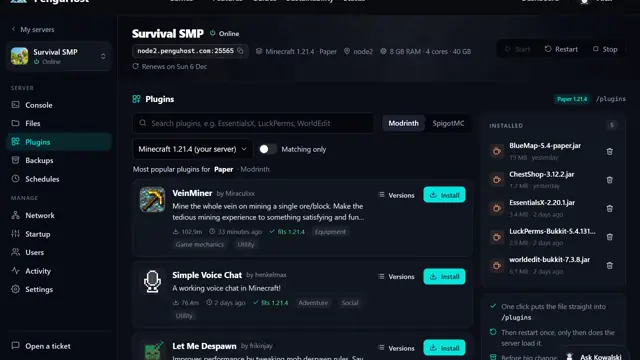
- 02Install and update pluginsThe one-click installer, what "compatible" means, updating without losing configs, and removing a plugin cleanly.1 min read
- 03Install mods and give your players the matching client packServer mods versus client mods, keeping both sides in sync, and the easiest way to hand your players the right files.1 min read
- 04Modpacks in one click and what happens under the hoodInstalling a complete Modrinth modpack in the server management, the loader switch it performs, RAM needs, and the limits.2 min read
- 05Build a network: proxy, lobby, survivalSeveral servers behind one address with Velocity: when it is worth it, what you need, and the config that trips everyone.1 min read
- 06Must-have plugins: permissions, anti-cheat, economy, claimsThe short list of plugins nearly every survival server ends up with, and what each is for.1 min read
- 07Connect a database to a pluginWhen a plugin wants MySQL, how to get a database on PenguHost, and where to put the credentials.1 min read